The Corner You Cut: Why Digital Keystone Is Quietly Eating Your Projector's Picture
Every projector box wants you to believe placement is a solved problem. Stick it anywhere, hit the auto-keystone button, and the picture squares itself up. Twenty seconds later you've got a rectangle on the wall and a warm feeling about your new purchase. What the box doesn't tell you is that the machine just deleted a chunk of the resolution and brightness you paid for — and that your cashback claim was calculated against specs your room can't actually deliver.
That's the bit worth slowing down for.
Two Different Jobs Wearing the Same Name
Optical lens shift and digital keystone get lumped together in marketing copy, but they're not remotely the same thing.
Lens shift moves the glass. The lens physically slides up, down or sideways, and the image lands where you want it without any processing. The full panel resolution reaches the screen, brightness is largely intact, and there's no resampling. The catch is that shift range is finite — typically quoted as a percentage of image height and width — and it's the first feature to disappear as you walk down the price ladder. Plenty of sub-£700 models have vertical shift only, or none at all.
Digital keystone moves the pixels. The projector fires a full rectangle, then digitally warps it into a trapezoid to cancel out the angle you've mounted it at. To do that, it has to resample the image: rows and columns get stretched, squashed or interpolated to fill the new shape. The output is still nominally 1080p or 4K, but it's no longer a 1:1 mapping of source pixels to panel pixels.
One is a mechanical adjustment. The other is image processing with a geometry problem to solve, and it charges you for the work.
What Actually Gets Lost
Three things, roughly, and they compound.
Pixels. Correct a modest vertical offset and the projector is scaling a smaller effective raster up to fill the frame. Fine text softens, 4K detail turns to mush at close range, and single-pixel test patterns start to shimmer. Push into heavy four-corner correction — the kind auto-keystone loves when you've got the projector on a sideboard at a jaunty angle — and you can lose a meaningful slice of horizontal resolution before anything reaches the wall.
Brightness. Warping the raster means some of the panel is doing work that never lands on the screen. The dark corners of the trapezoid are simply wasted light. Moderate correction costs you a few percent; aggressive correction can chew through a fifth of your output or more. On a 2,500-lumen office projector that's survivable. On a dim home-cinema model running a 110-inch screen in a room with a bay window, it's the difference between watchable at 8pm in November and not.
Sharpness at the edges. Interpolation is rarely uniform across the frame. Corners are where the artefacts collect — softness, the occasional stair-step, a faint wobble on moving diagonal lines.
Add in the extra processing latency and you've got a feature that's quietly working against three of the specs you compared on the spec sheet.
The UK Living Room Is a Keystone Factory
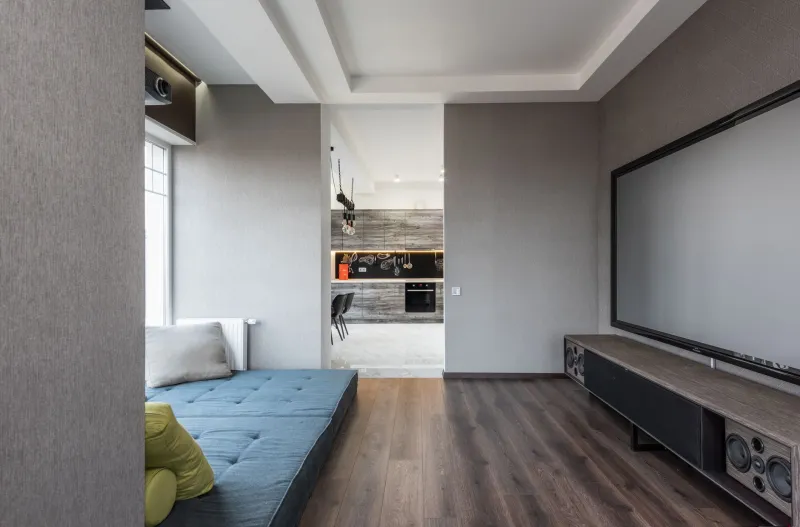
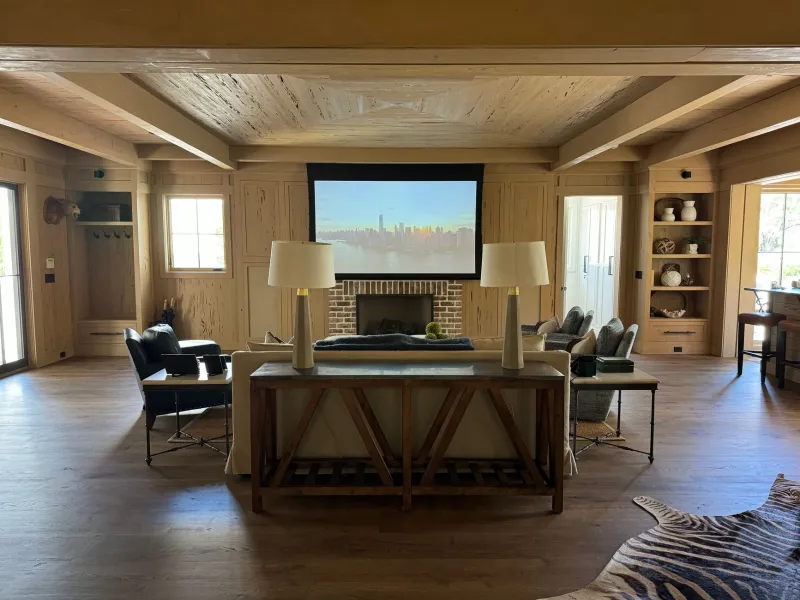
British housing stock is almost designed to defeat a projector. Victorian terraces with chimney breasts dead centre on the party wall. Bay windows eating one corner. New-build lounges with 2.3-metre ceilings and a radiator exactly where a ceiling mount wants to go. A semi with a shelf behind the sofa because drilling into a 1930s lath-and-plaster wall is a whole weekend.
So the projector ends up off-centre, or low, or tilted up at the ceiling. And the retailer's demo room — dead level, dead centre, dead dark — told you nothing about any of it.
If your only realistic position is a shelf to the left of the screen and 40cm below its centre, you don't need a projector with great keystone. You need one with horizontal and vertical lens shift, or a different plan. That's a buying decision, not a setup decision, and it's much cheaper to make before you pay than after.
Checks to Run Before the Returns Window Shuts
You've got 14 or 30 days, depending on the retailer. Use them properly.
- Establish the angle you actually need. Mount or place the projector where it will live permanently. Note the vertical and horizontal offset in centimetres as a percentage of image height and width. That's your requirement — not the demo room's.
- Set keystone to zero and look. If the image is a trapezoid, you now know exactly what the correction is costing. Photograph it.
- Run a test pattern. A 1-pixel checkerboard or a fine text grid, from a laptop at native resolution. Compare centre sharpness with corner sharpness, then repeat with keystone engaged. The drop is your answer.
- Measure the light. A phone lux meter app held at the screen centre and at each corner, keystone off then on. Crude, but the relative loss is honest.
- Read the claim wording. Cashback terms usually reference the advertised specification. Advertised brightness is measured with correction off. If your room forces heavy keystone, you're claiming against a number you can't reach — worth knowing before you spend the postage.
- Check the input lag in game mode with correction on. Processing doesn't come free, and gaming presets sometimes lock keystone out entirely.
The Buying Lesson
Treat lens shift as a spec you're paying for, not a bonus. A projector with ±60% vertical and ±25% horizontal shift and 2,000 honest lumens will beat a 3,000-lumen model with no shift and an aggressive auto-keystone every time in a real British lounge — because the second one spends its advantage on correcting a geometry problem it created.
And when you're ranking cashback deals by net price, make sure the spec you're discounting is the spec you'll actually see. A deal on a bright, sharp projector is only a deal if the room lets it stay bright and sharp. Otherwise you've bought a very nice 1080p panel and a clever algorithm that keeps 80% of it.