The Fan Is Part of the Spec Sheet: Auditioning Projector Noise Before the Cashback Becomes Final
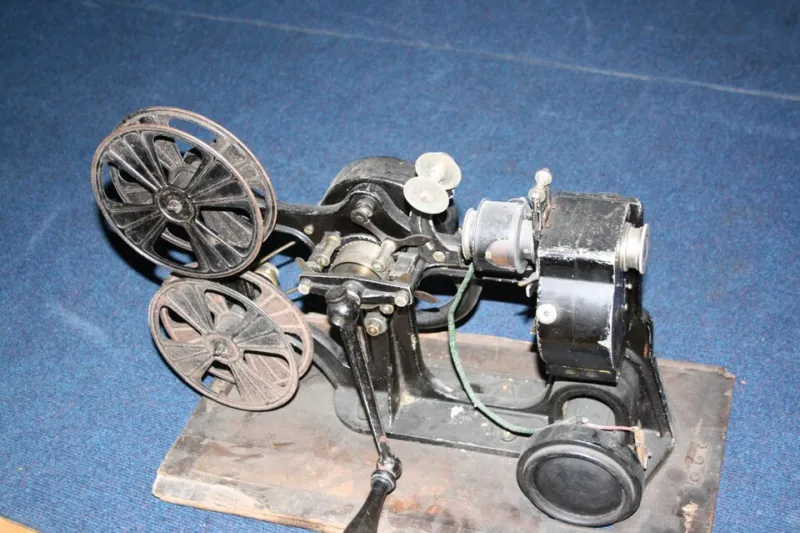
Photo: YellowFratello, CC BY-SA 4.0, via Wikimedia Commons
A projector can hit every number on the box and still lose the argument at 9pm on a Tuesday. The picture is sharp, the cashback claim is approved, and then the fan starts its own commentary track over the quiet bits of a film. Fan noise is one of the few projector specs that gets worse the closer you sit to real life, and it is the one UK cashback deals are happiest to leave in the small print.
This is not a cry for silent cinema at any price. It is a practical way to judge noise before your returns window shuts and before you file a claim you cannot unwind.
A decibel figure is a best case, not a promise
Most projector listings quote something like 28 dB(A) or 32 dB(A). That looks precise. It usually is not. The figure is normally a sound pressure level measured at a set distance, often one metre, in a particular mode, often the dimmest eco setting. The listing rarely tells you the distance, the room, the mounting position or whether the projector had warmed up.
Decibels are logarithmic, so small numbers hide real differences. A jump of around 10 dB is generally heard as roughly twice as loud, not 10% louder. Even a 3 dB increase is noticeable in a quiet room. A projector quoted at 26 dB in eco and 34 dB in bright mode has not become slightly noisier; it has become a different appliance for anyone watching a dialogue-heavy drama.
Also look for the weighting. dB(A) filters sound roughly the way human hearing does, which is useful, but it can flatter a fan with an annoying tonal whine. A low, broad whoosh is easier to live with than a high-pitched whistle at the same quoted level. That is why the spec sheet is a starting point, not a verdict.
Three modes, three different projectors
The quoted noise usually belongs to eco mode. Eco mode also dims the image. In a dark room with a modest screen, that may be all you need. In a room with a lamp on, a window behind the sofa or a match on the television, you may be running normal or bright mode for most of the evening.
That matters because heat is the real trigger. Projectors generate a lot of it, and the fan speeds up to clear it. Bright mode raises lamp or laser power, raises heat, and usually raises noise. Some models ramp aggressively within minutes; others stay composed until the room warms up. A demo in a cool shop floor tells you very little about the third hour of a summer evening in a UK living room.
If you only ever plan to watch in a blacked-out room, judge eco mode honestly. If the projector is also for sport, gaming or daytime viewing, test the bright setting and assume you will use it more than the brochure suggests.
Your room is part of the acoustic problem
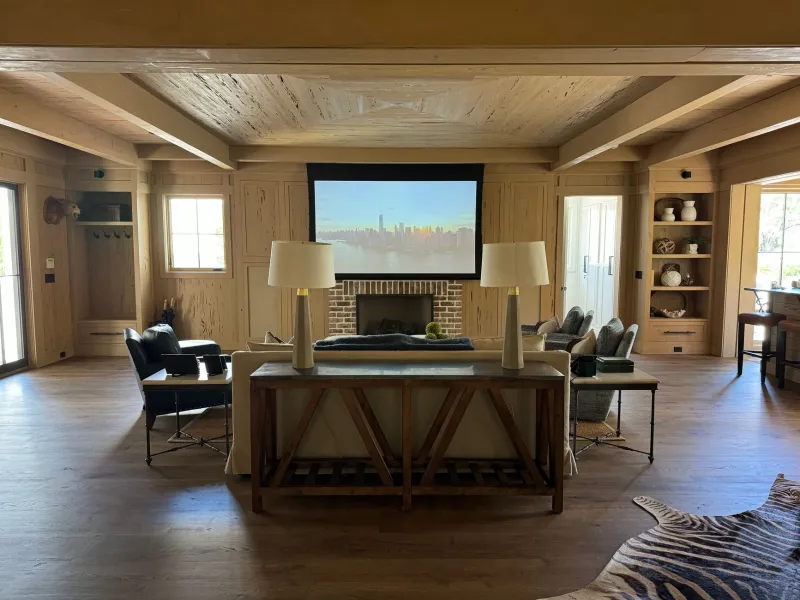
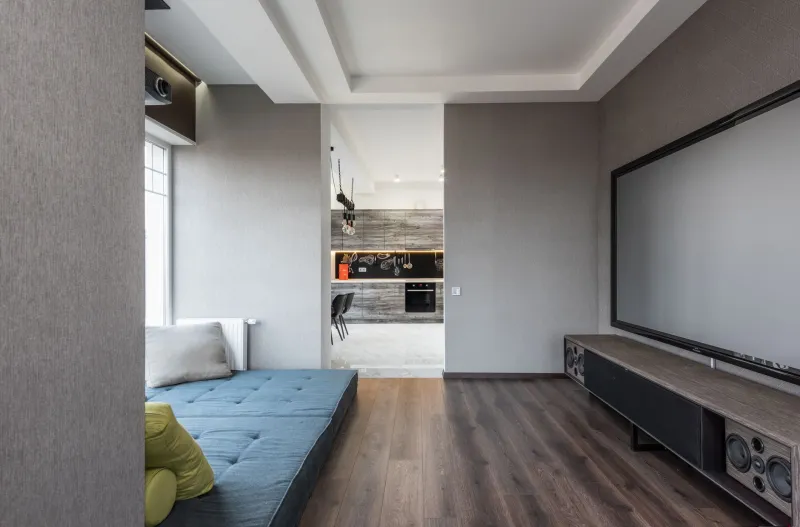
A projector that sounds restrained on a shelf can sound exposed when it is bolted to the ceiling. Ceiling mounts often put the unit above or slightly behind the seating position, which is close to ears and close to a hard ceiling. Sound reflects. In a small room with a wooden floor, a low ceiling and not much soft furnishing, the fan has nowhere to go.
Distance helps, but only up to a point. Moving from one metre away to two metres away reduces direct sound in open space, yet room reflections fill in the difference. A rear-shelf placement may be further from the sofa, but it can also fire fan noise towards the wall behind it. A ceiling mount is tidier and usually better for alignment, but it is not automatically quieter.
Listen for character as well as volume. Is there a steady hum, a cycling whine, a rattle at start-up or a colour-wheel tick? Does the fan change pitch when the image switches from dark to bright? Those traits are harder to live with than a slightly higher but smoother broadband noise.
Test it like you will live with it
Do this inside the returns window, before you submit the cashback claim. A claim is normally tied to keeping the product; returning the projector after a payout can create a clawback or a rejected claim. Read the promotion terms first, then test.
- Set the projector in its final position, not on a temporary table in the middle of the room.
- Let it run for at least 30 minutes so the fan reaches its working speed.
- Sit where you will actually sit. Measure from ear height, not from one metre in front of the lens.
- Play a quiet dialogue scene with no music. Fan noise hides under explosions.
- Cycle through eco, normal and bright modes and note the change.
- Test late in the evening when background noise is lowest.
- Use a phone sound meter app only for comparisons between modes, not as a calibrated instrument.
- Ask someone else in the room whether they notice a whine. Fresh ears catch what you have tuned out.
Check the menu for a quiet or high-altitude fan setting only if the manual recommends it. Do not assume a quiet mode is free; it often comes with reduced brightness or a different cooling profile.
The net price has to include your patience
Cashback changes the arithmetic, not the acoustics. A projector with a £60 payout and a piercing fan is not better value than a quieter model without the promotion if you end up watching with the volume raised to mask it. Rank deals by the price you actually pay after cashback, then treat noise as a feature you are buying or sacrificing.
A noisy projector is not usually faulty just because you dislike it. If it exceeds the manufacturer's stated noise level in the same mode and conditions, that is a different conversation. Otherwise, your remedy is the retailer's returns policy, which is why buying from a UK retailer with a clear returns process matters more than an extra tenner off an overseas listing.
Fan noise is part of the product. Put it in the audition, put it in the budget, and put it before the claim. The cashback will still be there when the room goes quiet.